

TL;DR
Security camera repair can often be handled without professional help. Many common problems such as loose cables, dirty lenses, power supply failures, or connectivity issues can be fixed using basic troubleshooting methods. Regular maintenance, proper diagnostics, and understanding your camera model can help restore your surveillance system quickly. However, complex hardware failures or warranty-covered devices should be repaired by professional technicians.
Security Camera Repair Overview
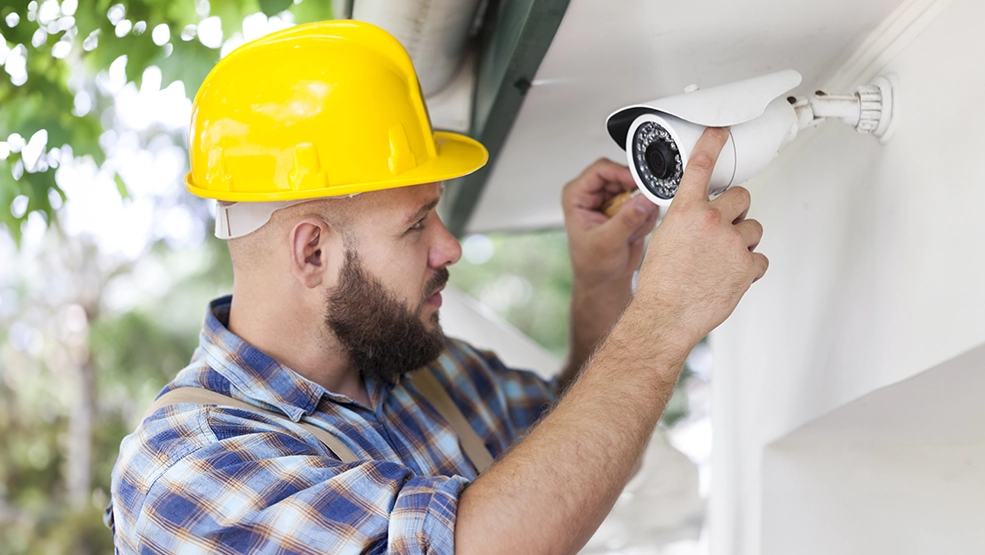
Security cameras play a critical role in protecting homes, businesses, and public spaces as part of modern security infrastructure. However, like any electronic device, surveillance cameras can experience technical issues over time.
Problems such as faulty wiring, blurry footage, connectivity failures, or recording system errors can disrupt surveillance operations and compromise security.
According to industry reports, the global video surveillance market is expected to grow significantly in the coming years as businesses and homeowners continue investing in security infrastructure.
However, installing cameras alone is not enough. Regular troubleshooting and timely repairs are essential to ensure cameras function properly and deliver reliable monitoring.
Understanding how to diagnose and repair common security camera problems can help reduce downtime and maintain a reliable surveillance system.
Understanding Security Camera Repair
What is Security Camera Repair
Security camera repair refers to diagnosing and fixing problems that prevent a surveillance camera from operating correctly.
This process may involve:
- Troubleshooting connectivity issues
- Cleaning or adjusting the camera lens
- Repairing damaged cables or camera wire
- Replacing faulty hardware components
- Fixing recording devices such as DVR or NVR systems
Whether your system uses standalone cameras or an integrated surveillance network, understanding the repair process helps maintain effective security coverage.
Common Security Camera Problems
Many surveillance camera issues develop gradually and may go unnoticed until the camera stops working properly.
Some of the most common problems include:
Connectivity Problems
Weak Wi-Fi signals or router issues can cause cameras to disconnect from the network.
Dirty Camera Lens
Dust, fingerprints, or environmental debris can block the lens and reduce video clarity.
Faulty Camera Wiring
Damaged or loose cables can interrupt power or video transmission.
DVR or NVR Recording Issues
Recording systems sometimes fail due to storage problems, configuration errors, or software bugs.
Power Supply Failures
Unstable power sources may cause cameras to shut down or restart unexpectedly.
Identifying these issues early can help restore surveillance functionality quickly.
Even though modern surveillance systems are designed to operate reliably for long periods, minor technical problems can gradually affect their performance. Many users only notice these issues when a camera stops recording or fails to capture important footage. Small problems such as weak connections, environmental damage, or software glitches can slowly reduce the efficiency of a surveillance system. Regular monitoring and early troubleshooting can prevent these issues from escalating into costly repairs or complete camera failure.
Understanding these common problems allows homeowners and businesses to respond quickly when a camera begins to malfunction. By identifying the early warning signs, users can perform basic repairs or maintenance before security coverage is compromised.
When to Seek Professional Help
While many camera problems can be resolved with DIY troubleshooting, some situations require professional assistance.
You should consider contacting a technician if:
- The camera hardware is physically damaged
- The system requires advanced electrical repairs
- Firmware updates fail repeatedly
- The camera is still under warranty
Professional repair services have specialized tools and experience to diagnose complex surveillance system problems safely.
DIY Security Camera Repair Guide
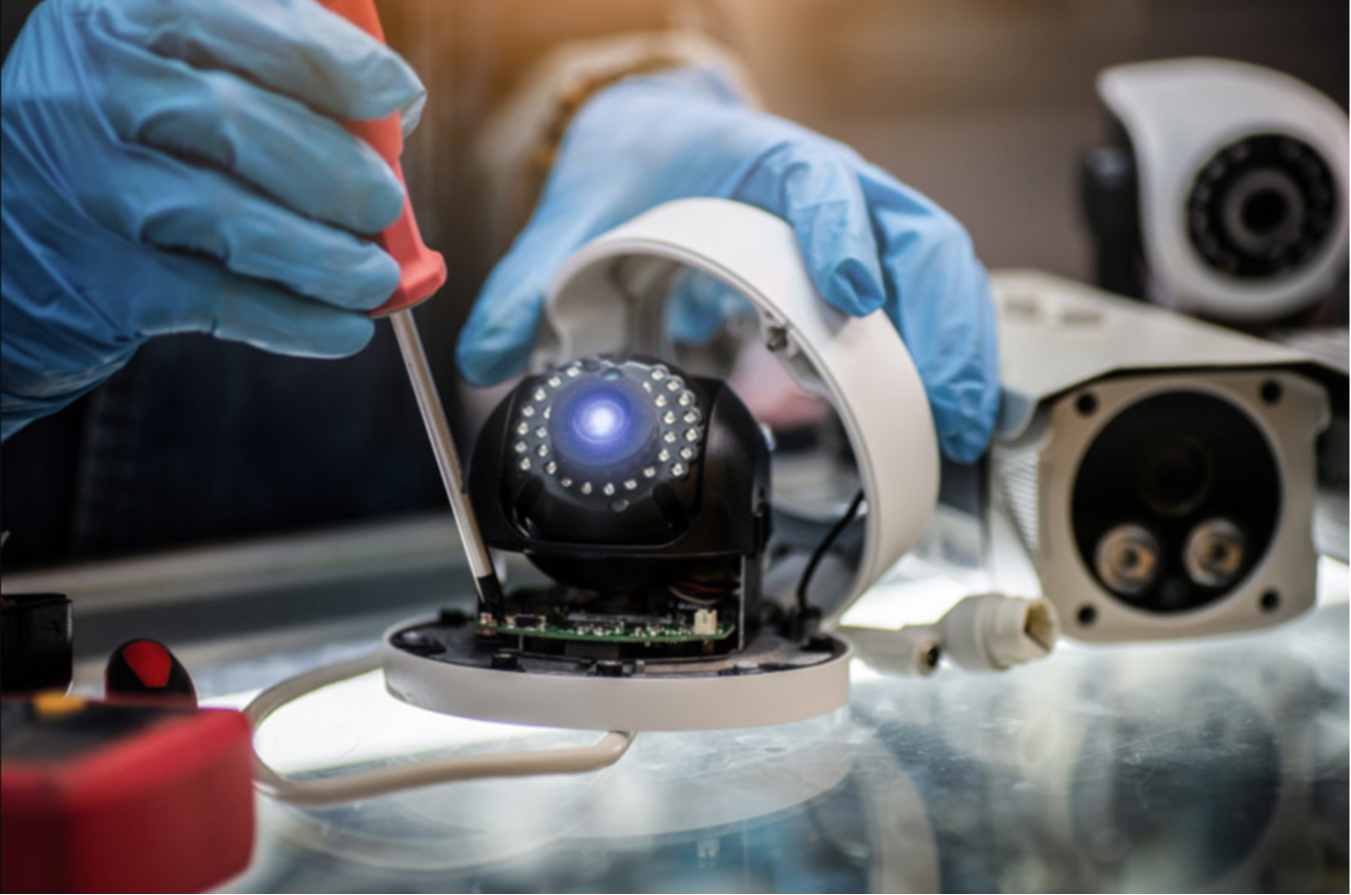
Step-by-Step Repair Process
A structured repair approach helps identify and fix problems efficiently.
Typical steps include:
- Identify the issue affecting the camera
- Check the power supply and electrical connections
- Inspect the camera wire and cables
- Clean the camera lens carefully
- Restart the camera and recording system
- Review manufacturer troubleshooting instructions
Always disconnect the camera from power before performing hardware repairs.
Following a systematic troubleshooting approach helps ensure that no potential cause of the problem is overlooked. Many camera issues are related to simple factors such as loose cables or power interruptions, which can be resolved within minutes. Taking time to inspect each component of the system—from the camera itself to the recording device—can significantly reduce repair time and prevent unnecessary equipment replacement.
In addition, documenting the steps taken during the repair process can help identify recurring issues. If the same problem appears repeatedly, it may indicate a deeper hardware or network problem that requires professional diagnosis.
Essential Tools for DIY Repair
Performing security camera repairs often requires a few basic tools.
These tools include:
- Precision screwdriver set
- Multimeter for electrical testing
- Compressed air for lens cleaning
- Wire strippers and crimping tools
- Flashlight and stable workspace
Having the right tools makes the repair process easier and safer.
Having the proper tools available makes the repair process more efficient and reduces the risk of accidental damage to sensitive components. Security cameras contain delicate electronic parts, and using incorrect tools can damage connectors, circuit boards, or mounting hardware. For example, a precision screwdriver helps safely open the camera housing without stripping screws, while a multimeter allows users to verify whether power is reaching the device.
Investing in basic diagnostic tools is especially useful for individuals who manage multiple cameras or maintain larger surveillance systems. With the right equipment and careful handling, many common camera issues can be resolved without requiring expensive repair services.
Troubleshooting Common Failures
When diagnosing surveillance system problems, check the following areas first:
- Inspect cables for damage or loose connectors
- Verify the power adapter and electrical supply
- Check router connectivity for wireless cameras
- Clean the camera lens
- Restart the DVR or NVR system
These troubleshooting steps resolve many common surveillance camera issues.
Professional Security Camera Repair Services
Choosing the Right Repair Service
Selecting the right repair technician is essential for restoring your surveillance system.
Consider the following factors:
- Experience with your camera brand and model
- Positive customer reviews
- Warranty on repair services
- Ability to handle both hardware and software issues
Choosing a qualified technician ensures reliable repairs.
Finding a reliable repair provider can make a significant difference in the long-term performance of your surveillance system. A qualified technician not only repairs the immediate issue but also evaluates the entire system for potential vulnerabilities. This includes checking network stability, verifying camera positioning, and ensuring that recording devices are functioning correctly.
Businesses that rely heavily on surveillance systems often choose service providers that offer ongoing maintenance contracts. These agreements include regular inspections, preventive maintenance, and system optimization, which helps reduce the risk of unexpected downtime.
What to Expect from Repair Services
Professional repair services usually follow a structured process:
- Diagnose the camera issue
- Provide a repair estimate
- Replace faulty components
- Test the system for proper functionality
Technicians also ensure that your security system operates safely and efficiently.
Cost of Professional Security Camera Repair
The cost of repairing a security camera depends on several factors.
These include:
- Type of camera system
- Severity of the hardware problem
- Brand and model of the camera
- Labor charges for technicians
Simple repairs such as cable replacement or lens cleaning are usually inexpensive, while major hardware repairs may cost more.
In some cases, replacing the camera may be more cost-effective than repairing it.
Brand-Specific Security Camera Repair Tips
Repairing Popular CCTV Brands
Different manufacturers design cameras with unique hardware configurations and software systems.
As a result, certain brands may experience specific recurring issues such as:
- Sensitive cable connectors
- Infrared night vision failures
- Firmware compatibility problems
Researching brand-specific troubleshooting guides can speed up the repair process.
Manufacturer Guidelines for Repairs
Before performing any repair, it is important to consult the manufacturer’s documentation.
These guidelines often include:
- Troubleshooting steps
- Wiring diagrams
- Firmware update instructions
Following official guidelines helps prevent additional damage to the device.
Warranty Considerations
Many surveillance cameras include a limited manufacturer warranty.
Attempting DIY repairs on a camera that is still under warranty may void the coverage.
If your camera is still covered, contacting the manufacturer or an authorized repair center is usually the safest option.
Maintaining Your Security Camera System
Regular Maintenance Tips
Preventive maintenance helps reduce repair frequency.
Recommended maintenance tasks include:
- Cleaning camera lenses regularly
- Checking cables and connections
- Inspecting outdoor camera housings
Updating camera firmware updates
Routine maintenance improves camera performance and lifespan.
Identifying Potential Blind Spots
Camera placement plays an important role in surveillance effectiveness.
Regularly review camera coverage to identify blind spots that may not be monitored properly.
Adjusting camera angles or installing additional cameras can improve security coverage.
Upgrading Your Security Camera System
Technology in surveillance systems continues to evolve.
Upgrading to newer cameras may provide benefits such as:
- Higher resolution video
- Better night vision
- Motion detection alerts
- Smart home integration
System upgrades can significantly improve security monitoring capabilities.
Upgrading a surveillance system is often a practical solution when older cameras no longer meet modern security requirements. Over the past decade, surveillance technology has advanced significantly, offering features such as ultra-high-definition recording, advanced motion detection, remote mobile monitoring, and AI-based analytics.
These improvements allow users to monitor properties more effectively and respond quickly to potential security threats. Upgrading outdated equipment also ensures compatibility with modern network infrastructure and improves overall system reliability.
Common Security Camera Repair Mistakes
Many users unintentionally damage their surveillance systems during repairs.
Common mistakes include:
- Ignoring manufacturer guidelines
- Using incompatible replacement parts
- Attempting complex electrical repairs without knowledge
- Neglecting firmware updates
Avoiding these mistakes can prevent further camera damage.
Best Practices for Long-Term CCTV Performance
To keep your surveillance system operating efficiently:
- Schedule regular inspections
- Maintain a cleaning routine
- Update camera firmware regularly
- Replace worn cables immediately
- Perform annual professional system checks
A proactive maintenance strategy reduces unexpected system failures.
Improving Surveillance System Reliability
Maintaining a reliable surveillance system requires a proactive approach rather than waiting for problems to occur. Regular system inspections, proper camera placement, and consistent firmware updates all contribute to long-term reliability.
Organizations that depend on surveillance systems for safety and monitoring often implement routine inspection schedules to ensure that every camera is functioning correctly. These checks help detect issues such as signal interference, storage capacity limitations, or hardware wear before they cause significant disruptions.
By combining preventive maintenance with timely repairs, property owners can ensure that their surveillance systems continue to deliver dependable security coverage.
Conclusion
Security camera systems are essential tools for protecting homes and businesses.
However, like any technology, they require proper maintenance and occasional repairs to function effectively.
By understanding common camera problems, following safe DIY troubleshooting methods, and seeking professional help when necessary, you can maintain a reliable surveillance system that protects your property and ensures continuous monitoring.
Key Takeaways
- Security camera repair often involves fixing cables, power supply issues, or connectivity problems.
- Regular maintenance helps prevent system failures.
- DIY troubleshooting can solve many basic camera issues.
- Complex hardware problems should be handled by professionals.
- Upgrading surveillance systems improves long-term security performance.
FAQs
1. How do I know if my security camera is not working properly?
Common signs of a malfunctioning security camera include blurry video, no recording, frequent disconnections, or a blank screen. Sometimes the camera may also fail to connect to the network or stop sending motion alerts. Checking power supply, cables, and lens condition can help identify the issue.
2. Can I repair a security camera myself?
Yes, many minor security camera problems can be fixed through simple DIY troubleshooting. Cleaning the lens, checking cable connections, and restarting the camera or DVR system often resolves common issues. However, complex hardware damage should be handled by a professional technician.
3. Why is my CCTV camera showing blurry footage?
Blurry footage usually occurs when the camera lens is dirty or obstructed by dust, moisture, or fingerprints. Poor lighting conditions or incorrect focus settings can also reduce video clarity. Regular lens cleaning and proper camera positioning can help maintain clear recordings.
4. How long do security cameras typically last?
Most security cameras have an average lifespan of five to ten years, depending on usage and environmental conditions. Indoor cameras generally last longer than outdoor cameras because they are protected from weather exposure. Proper maintenance can extend the life of surveillance equipment.
5. What causes security cameras to lose connection?
Security cameras may disconnect due to weak Wi-Fi signals, damaged cables, or power supply issues. Network interruptions or outdated firmware can also cause connectivity problems. Ensuring a stable internet connection and updating camera software can help prevent this issue.
6. When should I call a professional technician for camera repair?
You should contact a professional if the camera has hardware damage, electrical faults, or persistent system errors. Technicians are also recommended when firmware updates fail or when the camera system requires advanced configuration. Professional repairs ensure the system operates safely and correctly.
7. How often should security cameras be maintained?
Basic inspections should be performed at least once a month to ensure cameras are functioning properly. Maintenance tasks include cleaning lenses, checking cables, and verifying recording systems. Annual professional inspections can help identify hidden issues and improve system performance.
8. Can weather affect outdoor security cameras?
Yes, outdoor cameras are exposed to rain, dust, extreme temperatures, and humidity. Over time, these environmental factors can damage camera housings or reduce image quality. Using weatherproof cameras and performing regular maintenance helps protect outdoor surveillance systems.
9. Is it better to repair or replace a security camera?
If the issue is minor, such as a loose cable or dirty lens, repairing the camera is usually the best option. However, older cameras with outdated technology or severe hardware damage may be better replaced. Upgrading to newer models can provide improved resolution and advanced features.
10. What maintenance steps help prevent camera repairs?
Regular maintenance can significantly reduce the need for repairs. Cleaning the camera lens, inspecting cables, updating firmware, and checking power supplies help maintain system reliability. Consistent inspections ensure that surveillance cameras continue to operate effectively.
Call to Action
A properly functioning surveillance system is essential for maintaining security and peace of mind.
If your security cameras are experiencing issues or require professional maintenance, consider contacting a qualified technician to diagnose and repair your system.
Regular inspections and timely repairs ensure that your CCTV system continues to provide reliable protection for your home or business.