


TL;DR
Security camera troubleshooting is essential for maintaining a reliable security camera system in homes and businesses. Modern CCTV security camera installations and IP cameras are designed to operate continuously, but users may still encounter security camera problems such as connectivity failures, camera won’t work errors, recording issues with an NVR or DVR recorder, or cameras that suddenly go offline. Learning how to identify and resolve these problems using proper camera troubleshooting methods helps ensure your surveillance system continues protecting your property.
Security Camera Troubleshooting Overview
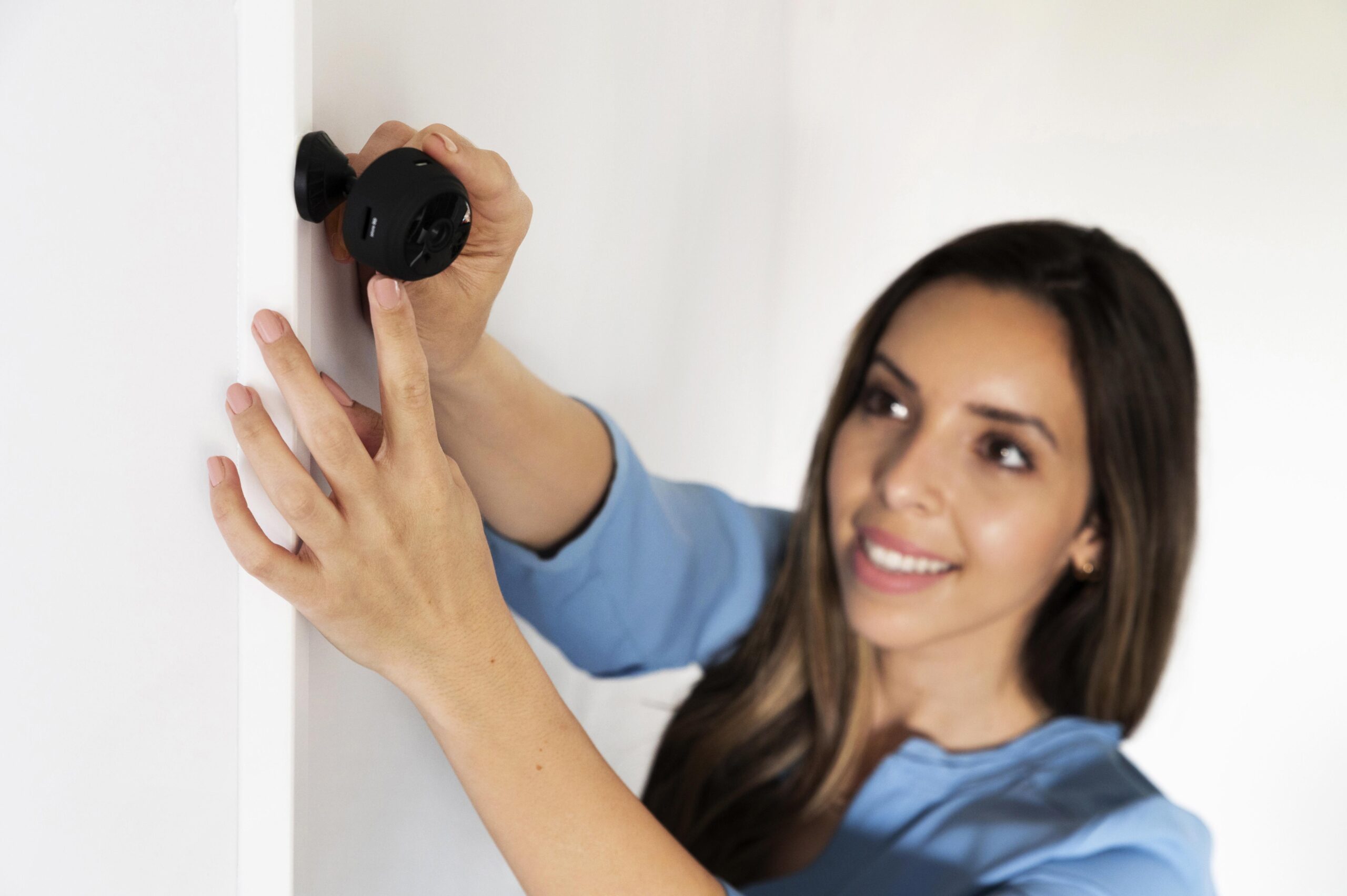
Security cameras are essential components of modern security systems used to protect homes, businesses, and public spaces. However, even the most advanced surveillance systems can experience technical problems over time. Issues such as camera disconnections, blurry video footage, or recording failures can interrupt monitoring and reduce the effectiveness of a security system.
Most home security camera and business security installations rely on multiple devices working together, including the router, network cable, Ethernet connection, power adapter, and the network video recorder (NVR) or DVR recorder. If any of these components fail, the security cameras go offline or stop recording. Understanding the basic troubleshooting process can help restore connectivity quickly and keep the entire camera system running smoothly.
According to industry research published by the Security Industry Association, the global video surveillance market is expected to exceed $90 billion by 2030 as businesses and homeowners continue investing in advanced security technology.
Despite the rapid growth of surveillance technology, users still frequently encounter problems such as:
- Cameras not recording properly
- Network connectivity issues
- Poor image quality
- DVR or NVR system errors
- Power supply interruptions
These issues may occur due to environmental exposure, network instability, or hardware wear.
Many camera problems can be resolved through simple troubleshooting steps. Learning how to diagnose and fix common CCTV issues can help reduce downtime and ensure your security system continues to operate effectively.
Security experts also recommend following surveillance system maintenance guidelines provided by organizations like ASIS International, which emphasize the importance of routine inspections and proactive maintenance.
Modern security cameras are designed to operate continuously, but even reliable systems can experience interruptions due to environmental factors or network instability. Outdoor cameras may be exposed to rain, dust, and extreme temperatures, while indoor cameras may suffer from power fluctuations or connectivity issues.
Because surveillance systems often operate 24/7, even small technical issues can quickly become major problems if they are not addressed early. Performing regular inspections and troubleshooting minor issues can help prevent system downtime and ensure your cameras continue recording critical footage.
Understanding Security Camera Troubleshooting
What is Security Camera Troubleshooting
Security camera troubleshooting refers to the process of identifying and resolving problems that prevent surveillance cameras from functioning correctly.
This process may involve diagnosing both hardware and software issues that affect camera performance.
Common troubleshooting tasks include:
- Checking camera power supply and electrical connections
- Inspecting camera wiring and cables
- Restarting DVR or NVR recording systems
- Cleaning the camera lens
- Updating firmware or system software
Proper troubleshooting helps restore camera functionality without replacing the entire system.
Security professionals often follow cybersecurity guidelines provided by the Cybersecurity and Infrastructure Security Agency, which highlight the importance of secure configuration and regular firmware updates for connected devices such as security cameras.
Understanding the basics of troubleshooting helps property owners maintain reliable surveillance coverage and reduce maintenance costs.
Common Security Camera Problems
Even advanced CCTV systems and IP security cameras can develop issues over time. These common problems may include weak signal strength, unstable power supply, faulty network cable, or outdated firmware updates. When these problems occur, the camera may stop recording, lose its IP address, or fail to connect the camera to the surveillance system.
Many surveillance issues develop gradually rather than appearing suddenly. For example, a camera that begins producing slightly blurry footage may eventually stop recording entirely if the underlying issue is not resolved.
By monitoring camera performance regularly and identifying small warning signs early, users can take corrective action before the entire system fails. Simple steps such as checking connections or cleaning the lens can often restore normal operation.
Some of the most common security camera issues include:
Connectivity Problems
Many security camera issues are related to network connectivity. IP cameras and CCTV security cameras depend on a stable internet connection through a router, PoE switch, or PoE injector.
Connectivity problems may occur when:
The network cable is damaged
The Ethernet connection is loose
The IP address configuration is incorrect
The router signal strength is weak
If your security cameras go offline, restarting the router, checking the MAC address, or reconnecting the camera system to the network can often resolve the issue.
Dirty or Obstructed Camera Lens
Dust, rain, spider webs, or fingerprints may block the camera lens and reduce video clarity.
Outdoor cameras are especially vulnerable to environmental debris.
Regular lens cleaning helps maintain clear surveillance footage.
Faulty Camera Wiring
Loose or damaged cables can interrupt both power supply and video transmission.
Outdoor camera wiring is particularly vulnerable to weather exposure.
Inspecting cable connections periodically can prevent unexpected system failures.
DVR or NVR Recording Errors
Recording systems may stop capturing footage due to several factors:
- Hard drive failures
- Storage capacity limits
- Software configuration errors
- Firmware compatibility issues
Restarting the recording system or replacing the hard drive often resolves these problems.
Power Supply Failures
A stable power supply is required for every surveillance camera. If a camera suddenly stops working, it may not be receiving enough power from the power outlet, power adapter, or PoE switch.
To troubleshoot power issues:
- Verify the camera is receiving power
- Check the power cable and power supply
- Try a different power outlet
- Inspect the PoE injector if using PoE cameras
Sometimes simply disconnecting the power and reconnecting it can camera to reboot and restore normal operation.
When to Seek Professional Help
While many camera issues can be resolved through DIY troubleshooting, some situations require professional assistance.
You should consider contacting a technician if:
- The camera housing is physically damaged
- Electrical components require repair
- Firmware updates repeatedly fail
- The system requires complex network configuration
- The device is still under warranty
Professional technicians have the expertise and diagnostic tools necessary to resolve complex surveillance system problems safely.
DIY Security Camera Troubleshooting Guide
Troubleshooting security cameras requires patience and a systematic approach. Many users attempt to fix issues quickly without identifying the root cause, which can sometimes make the situation worse.
Taking time to evaluate each component of the camera system—including the camera itself, wiring, recording device, and network configuration—helps ensure that the correct solution is applied.
Documenting troubleshooting steps can also help identify recurring problems that may require professional attention.
Step-by-Step Troubleshooting Process
Follow this effective troubleshooting process to diagnose common CCTV camera issues:
- Check if the camera is receiving power
- Inspect the network cable and Ethernet connection
- Verify the camera IP address in the management software
- Restart the router, NVR, or DVR recorder
- Perform a camera to reboot
- Install the latest firmware updates
- Reset the camera to factory settings if necessary
These effective troubleshooting tips help resolve many security camera problems without needing professional tech support.
Taking time to inspect each part of the system—from the camera itself to the recording device—helps ensure that no potential cause is overlooked.
Essential Tools for Troubleshooting
Basic troubleshooting does not require advanced equipment, but having the right tools makes the repair process easier.
Common tools include:
- Precision screwdriver set
- Multimeter for testing electrical connections
- Compressed air for lens cleaning
- Wire strippers and crimping tools
- Flashlight for cable inspection
Using proper tools reduces the risk of damaging sensitive camera components during troubleshooting.
Fixing Common Camera Failures
When diagnosing security camera problems, inspect the following areas first:
- Camera power adapter
- Cable connections
- Network router settings
- Lens condition
- DVR or NVR recording status
These checks often resolve many CCTV system issues quickly.
Professional Security Camera Repair Services
Choosing the Right Repair Technician
Selecting a qualified technician is essential for restoring surveillance systems effectively.
When choosing a repair provider, consider:
- Experience with your camera brand and model
- Positive customer reviews
- Warranty coverage on repair services
- Ability to handle both hardware and software issues
Reliable technicians can diagnose problems accurately and ensure long-term system performance.
What to Expect from Professional Repairs
Professional repair services usually follow a structured process:
- Diagnose the camera issue
- Provide a repair estimate
- Replace faulty components
- Test the surveillance system
Technicians may also inspect other parts of the system to identify potential vulnerabilities.
Cost of Security Camera Repairs
The cost of repairing a security camera varies depending on several factors:
- Camera type and model
- Severity of the hardware damage
- Brand of the camera
- Technician labor charges
Minor repairs such as cable replacement or lens cleaning are usually inexpensive, while major hardware failures may require more extensive repairs.
In some cases, replacing an outdated camera may be more cost-effective than repairing it.
Maintaining Your Security Camera System
Preventive maintenance is one of the most effective ways to reduce surveillance system failures. Many security camera issues occur because systems are installed and then rarely inspected again.
Regular system checks help ensure that cameras remain properly positioned, lenses remain clean, and recording devices continue functioning as expected.
For businesses and large properties, scheduling periodic professional inspections can further improve system reliability.
Preventive Maintenance Tips
Routine maintenance helps reduce the frequency of camera failures and improves system reliability.
Recommended maintenance tasks include:
- Cleaning camera lenses regularly
- Checking cables and electrical connections
- Inspecting outdoor camera housings
- Updating camera firmware
- Testing recording systems periodically
Regular maintenance improves the lifespan and performance of surveillance equipment.
Identifying Surveillance Blind Spots
Camera placement plays an important role in effective monitoring.
Review your surveillance coverage periodically to identify blind spots that may leave areas unprotected.
Adjusting camera angles or installing additional cameras can improve security coverage.
Upgrading Your Security System
Modern security cameras offer advanced features that significantly improve monitoring capabilities.
These features may include:
- 4K high-resolution video
- AI-based motion detection
- Mobile monitoring apps
- Cloud storage integration
Upgrading older cameras can improve system reliability and provide better security coverage.
Common Security Camera Troubleshooting Mistakes
Many users unintentionally damage their surveillance systems during repairs.
Common mistakes include:
- Ignoring manufacturer instructions
- Using incompatible replacement parts
- Attempting complex electrical repairs without expertise
- Skipping firmware updates
Avoiding these mistakes helps protect your security equipment and maintain reliable surveillance coverage.
Best Practices for Long-Term CCTV Performance
To keep your surveillance system operating efficiently:
- Perform regular system inspections
- Maintain a cleaning schedule for cameras
- Update firmware regularly
- Replace worn cables immediately
- Conduct annual professional system checks
A proactive maintenance strategy helps prevent unexpected failures.
Improving Surveillance System Reliability
Maintaining a reliable surveillance system requires ongoing monitoring and preventive maintenance.
Organizations that depend heavily on CCTV systems often implement regular inspection schedules to ensure every camera operates correctly.
These inspections help identify problems such as:
- Network interference
- Storage limitations
- Hardware wear
- Firmware compatibility issues
By combining preventive maintenance with timely troubleshooting, property owners can ensure their surveillance systems continue providing dependable security coverage.
Conclusion
Security camera troubleshooting is an important skill for maintaining effective surveillance systems.
Many common CCTV issues can be resolved through simple troubleshooting techniques such as checking cables, cleaning lenses, and restarting recording devices.
However, complex hardware failures or electrical issues should always be handled by experienced professionals.
With proper maintenance and timely repairs, security camera systems can continue protecting homes and businesses for many years.
Key Takeaways
- Security camera troubleshooting helps identify and fix common surveillance problems
- Many CCTV issues can be resolved through basic DIY troubleshooting
- Regular maintenance improves camera performance and lifespan
- Professional technicians should handle complex repairs
- Upgrading surveillance systems improves long-term security reliability
Frequently Asked Questions About Security Camera Troubleshooting
1. How do I troubleshoot a security camera that won’t work?
If a security camera won’t work, start the troubleshooting process by checking whether the camera is receiving power from the power supply or power adapter. Next, inspect the network cable, Ethernet connection, and the router to ensure the camera system has proper connectivity. Restarting the DVR, NVR, or the camera itself can often resolve common security camera issues.
2. Why do security cameras go offline in a CCTV system?
Security cameras go offline when there is a connectivity problem between the CCTV camera, the router, and the network video recorder. Weak signal strength, damaged Ethernet cables, incorrect IP address configuration, or a faulty PoE switch can interrupt the surveillance system and disconnect the camera from the recorder.
3. How do I reset a CCTV security camera?
To reset the camera, first disconnect the power and locate the reset button on the device. Then press and hold the reset button for about 10–15 seconds before you release the button. This will restore the camera to factory settings and allow you to reconnect the camera during the camera setup process.
4. What should I check if my CCTV camera is not receiving power?
If your CCTV camera is not turning on, check the power outlet, power adapter, and power cable. Make sure the camera is receiving power and that the power supply is functioning properly. If you are using PoE cameras, also inspect the PoE injector or PoE switch connected to the camera system.
5. How can I troubleshoot IP security cameras in a surveillance system?
To troubleshoot IP security cameras, verify the camera’s IP address, check the network information, and confirm the device is connected to the router through an Ethernet cable. If necessary, restart the network video recorder (NVR) or use management software to reconnect the camera to the surveillance system.
6. Why does my security camera lose night vision?
Some outdoor cameras may lose night vision if the infrared sensors stop working or if the day or night settings are configured incorrectly. Dust blocking the infrared LEDs or unstable power supply can also affect night vision performance in CCTV security cameras.
7. Can outdated firmware cause security camera problems?
Yes, outdated firmware is one of the most common causes of security camera problems. Cameras with outdated software may experience connectivity issues, missing alerts, or failed push notifications. Installing regular firmware updates from the manufacturer helps keep your surveillance system stable and secure.
8. What is the best troubleshooting process for CCTV camera issues?
An effective security camera troubleshooting process involves checking the power supply, inspecting the network cable, verifying the IP address, restarting the router, and rebooting the DVR or NVR recorder. These troubleshooting methods can identify and resolve most common CCTV camera issues.
9. Why is my home security camera not connecting to the network?
A home security camera may fail to connect if the router signal is weak or if the Ethernet cable is damaged. Incorrect IP address settings, network conflicts, or a disconnected network video recorder can also prevent the camera from connecting to the surveillance system.
10. When should I contact tech support for security camera troubleshooting?
If your CCTV security camera system still has problems after performing basic troubleshooting tips such as checking the power supply, restarting the recorder, or installing firmware updates, it may be time to contact tech support. Professional technicians can diagnose complex camera system issues and help restore full surveillance functionality.
Call to Action
If your security camera system still has issues after following these troubleshooting methods, professional tech support may be required. Our team specializes in diagnosing CCTV systems, fixing camera won’t work errors, and restoring full surveillance system functionality.
If you need help installing, configuring, or repairing your CCTV security camera system, feel free to contact us for expert assistance.